Find the place that fits your moment.
Tell Nearby your craving, budget, area, occasion, and practical needs. Get a focused Alexandria shortlist with clear reasons to choose.
Free to start · No app store needed
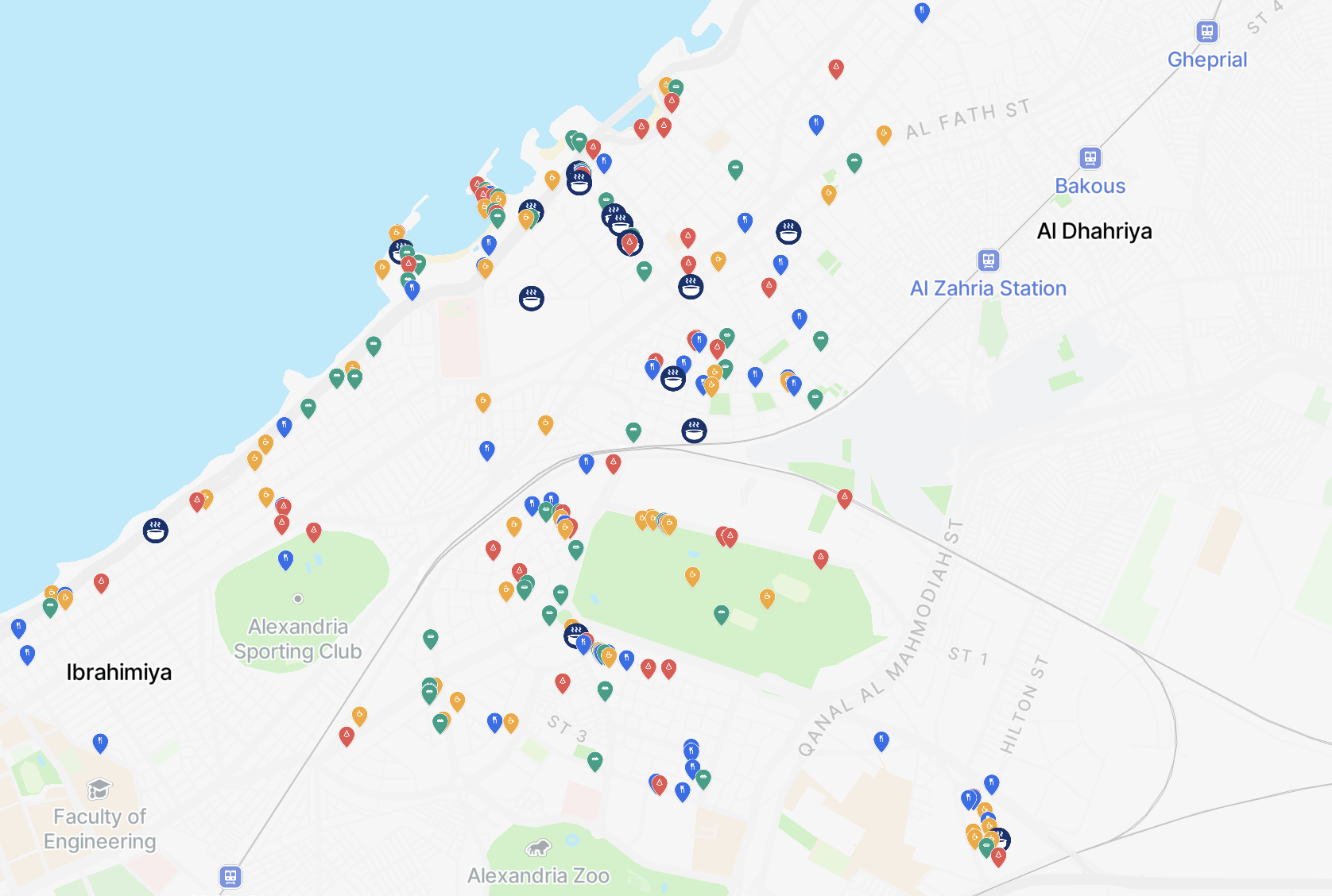
Helping people choose across Alexandria
Not more places. Better reasons to choose.
Restaurant discovery should end with a confident decision, not another long list to scroll.
Start with your situation
Ask for a dish, mood, budget, area, occasion, or practical need in the same message.
Get a focused shortlist
Nearby narrows the options and explains why each recommendation matches what matters to you.
Know before you go
Check available menus, expected prices, parking, kid-friendliness, smoking, and outdoor seating.
From a specific request to a clear next step
Tell Nearby what this moment needs, understand why the options fit, then choose what to do next.
Describe the moment
Share the craving, budget, area, occasion, and details that matter to you.
Match the intent
Nearby uses available dish, menu, and restaurant details to narrow the local options.
See why each fits
Compare a focused shortlist with clear reasons such as price, atmosphere, and practical fit.
Take the next step
View the menu, get directions, or contact the restaurant when you are ready.
Discover the dish, the menu, and the place
Search at the level you actually decide, with local context for Alexandria built into every recommendation.
Find the dish, then the right place
Ask for a specific dish, cuisine, ingredient, or price range. Nearby uses available menu details to find restaurants that fit your craving and budget.
Ask the things that decide it
Check available details about parking, kids, smoking, outdoor seating, and other needs before you visit.
Keep the choice realistic
Set the area and what you want to spend. Nearby focuses on options that make sense for your plan.
The right spot for the moment you're in
Date, family dinner, friends, or a quick solo bite. Nearby connects the occasion to useful menu, atmosphere, and practical details.
Be discovered because you
fit the guest's intent.
When someone asks for a quiet date spot, a family meal with parking, or a specific dish, Nearby can surface your restaurant because its menu and details match. Claim or verify your profile, keep the information accurate, and help qualified guests view the menu, get directions, or contact you.
- PDFMain menu.pdf42 items ready to review · prices included2m
- IMGOutdoor seating photosAdded to practical details14m
- MSGGuest asked for a quiet date spotMatched on sea view · atmosphere · budget38m
- MSGGuest ready for the next stepMenu · directions · restaurant contact1h
Keep Nearby one tap away
Add NearbyGPT to your home screen in seconds. It opens full-screen like a native app, with no app store required. Pick your phone below.
Android
- 1Open app.nearbygpt.app in Chrome.
- 2Tap the ⋮ menu in the top-right corner.
- 3Choose Add to Home screen (or Install app).
- 4Tap Install to confirm.
- 5The NearbyGPT icon appears on your home screen - open it like any app.
iPhone & iPad
- 1Open app.nearbygpt.app in Safari or Chrome.
- 2Tap the ... button (at the bottom right in Safari, top-right in Chrome).
- 3Scroll down and tap Add to Home Screen.
- 4Tap Add in the top-right corner.
- 5The NearbyGPT icon appears on your home screen - open it like any app.
Why install it?
Opens full-screen
No browser tabs or address bar, just the app from edge to edge.
One tap from home
Keep Nearby next to your other apps, ready when you need to decide.
Latest app experience
The web app updates automatically when a new version is released.
Dedicated iOS and Android apps are on the way. Until then, the home-screen app above gives you the full NearbyGPT experience today.
Claim your restaurant
Tell us about your spot and we'll get you set up. Leave an email or phone number and we'll be in touch.
Find a place that fits this moment.
Tell Nearby what you crave, where you want to go, what you want to spend, and what matters before you visit. Get a focused recommendation with reasons.
Free to start · View menus · Get directions · Contact restaurants